
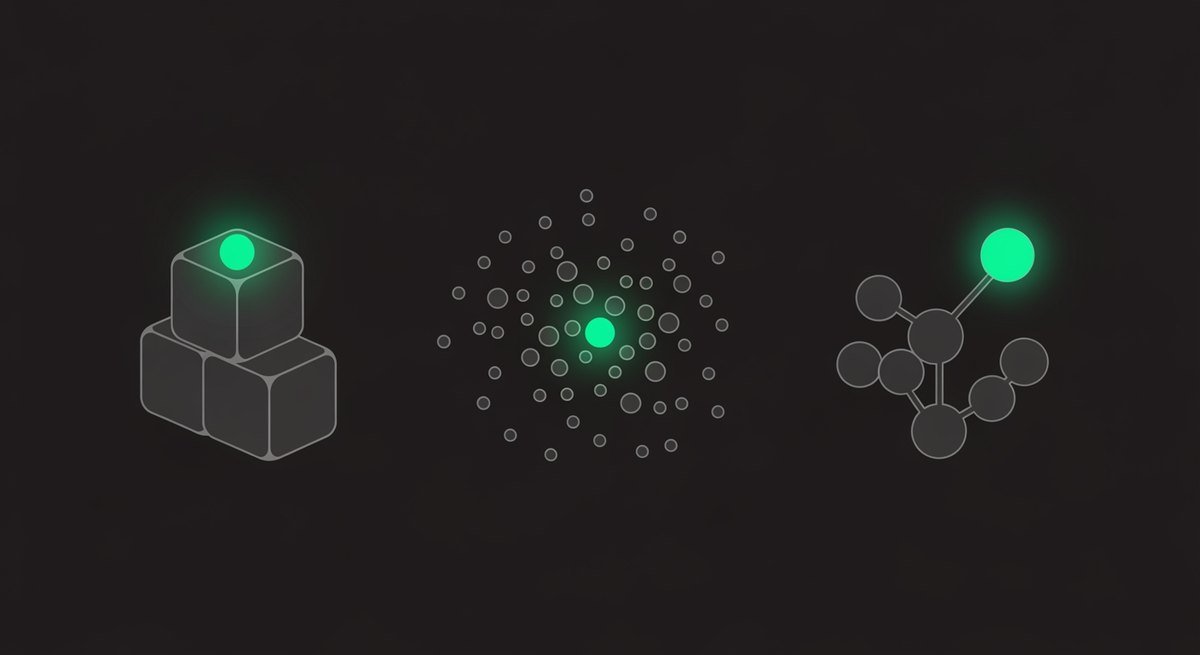
“AI email tools” describes three completely different products that share a name and nothing else. Inbox triage helps you read faster and costs $30–120 per seat. Cold outreach sends at volume and costs $47–555 a month. Support helpdesks route tickets. Buying the wrong category is the expensive mistake, and the category names don’t warn you.
This guide separates the three, prices each from vendor pages, and shows where a $9 automation platform does the job well enough that you don’t need any of them.
Key takeaways
- Three products, one label. Triage, outreach and support tooling solve unrelated problems at very different prices.
- Triage is per-seat — Shortwave runs $30 to $120 per seat per month. Cost scales with your team, not your volume.
- Outreach is per-volume — Instantly starts at $47/month for 5,000 emails and reaches $555 for 500,000.
- Free tiers are rare in this category. Both tools we priced offer trials, not free plans.
- Free native filters plus a $9 platform covers most small-business email needs without any of them.
What Are the Three Categories?
Reading, sending and answering. Each solves a different problem, bills on a different basis, and is bought by a different person.
| Category | Problem it solves | Billed by | Typical cost |
|---|---|---|---|
| Inbox triage | Too much mail to read | Per seat | $30–120/seat/mo |
| Cold outreach | Sending at volume without landing in spam | Emails + contacts | $47–555/mo |
| Support helpdesk | Routing and answering tickets | Per seat or per resolution | Varies widely |
| DIY automation | Mail triggering work elsewhere | Tasks/credits/executions | $9–20/mo total |
Diagnose before you shop. “I get too much email” and “I need to email 5,000 prospects” are opposite problems. A tool that solves one is useless for the other, and both are sold under the same search term.
What Do Inbox Triage Tools Cost?
Per seat, and it adds up fast on a team. Shortwave — one of the better-known AI-native email clients — prices at $30 per seat per month for Business, $45 for Premier and $120 for Max, with tiers differentiated mainly by AI usage allowance and number of AI-powered filters.
| Plan | Price | Key limits |
|---|---|---|
| Business | $30/seat/mo | 5 years AI search history · 3 AI filters |
| Premier | $45/seat/mo | 2× AI usage · unlimited search history · 10 AI filters |
| Max | $120/seat/mo | 6× AI usage · 50 AI filters |
| Free tier | Not offered | 14-day trial |
Note the shape of that pricing. You’re buying AI usage allowance and filter count, not fundamentally different capabilities — and the per-seat basis means the cost tracks headcount rather than how much mail you get.
What Does Cold Outreach Tooling Cost?
By volume, and the range is enormous. Instantly’s outreach-only Growth plan is $47/month for 5,000 emails and 1,000 contacts; its bundled Scale plan is $194/month for 100,000 emails; Agency is $555/month for 500,000.
| Plan | Price/mo | Emails | Contacts |
|---|---|---|---|
| Growth (outreach only) | $47 | 5,000 | 1,000 |
| Starter (bundle) | $94 | 5,000 | 1,000 |
| Scale (bundle) | $194 | 100,000 | 25,000 |
| Hypergrowth | $358 | 125,000 | 25,000 |
| Agency | $555 | 500,000 | 100,000 |
Two things worth flagging. There’s a $47 outreach-only plan and a $94 bundle at the same email volume — the difference is credits and AI agent features, so check whether you need those before buying the bundle. And this category has real compliance obligations attached: sending cold email at volume is regulated differently across jurisdictions, and the tool won’t manage that for you.
When Do You Not Need Any of Them?
When your actual problem is that email should trigger work elsewhere. That’s not a triage problem or an outreach problem — it’s an automation problem, and it costs $9 to $20 a month total.
| Your problem | What you need | Cost |
|---|---|---|
| Too much noise in the inbox | Native Gmail/Outlook filters | $0 |
| Enquiries should reach the CRM | Automation platform | $9–20/mo |
| Attachments should get filed | Automation platform | Same plan |
| Replies need drafting | Any AI assistant | $0–20/mo |
| Genuinely too much mail to read | Triage tool | $30–120/seat |
| Sending thousands of cold emails | Outreach platform | $47+/mo |
Native filters are free, instant, and never break because an API changed — they handle roughly the majority of inbox chaos on their own. Our guide to automating your inbox covers the build order, and the lead capture guide covers the enquiry-to-CRM workflow specifically.

How Do the Costs Compare Over a Year?
Starkly, once you multiply. The same business could spend $108 or $6,660 a year depending purely on which category it bought — for problems that may not even be the one it has.
| Setup | Monthly | Annual |
|---|---|---|
| Native filters + Make Core | $9 | $108 |
| Filters + Make + AI assistant | $26 | $312 |
| Triage tool, solo | $30 | $360 |
| Triage tool, 3 seats | $90 | $1,080 |
| Outreach, entry | $47 | $564 |
| Outreach, scale | $555 | $6,660 |
Run the ROI formula before buying anything above row two. At a $50 hourly value, a $30/seat triage tool needs to save 36 minutes a month to break even — achievable, but worth confirming rather than assuming.
What Do These Tools Actually Do With AI?
Different things, which is another reason the shared label misleads. Knowing which AI function you’re buying tells you whether it will help with your specific problem.
| Category | What the AI does | Works well? |
|---|---|---|
| Triage | Classifies, summarises threads, searches semantically | Yes — reading tasks are a strength |
| Triage | Drafts replies in your style | Yes, with review |
| Outreach | Personalises at scale from contact data | Mechanically yes; effectiveness varies |
| Outreach | Manages deliverability and warmup | Yes — mostly not AI, but genuinely valuable |
| Support | Routes tickets by intent | Yes — the strongest support use |
| Support | Answers customers unsupervised | Risky — see our customer-service guide |
Two observations worth carrying into any purchase. Semantic search is the most underrated feature in triage tools — finding the email you half-remember is a real daily saving that keyword search doesn’t deliver. And in outreach platforms, the deliverability and warmup features usually matter more than the AI ones, because landing in spam makes personalisation irrelevant.
For the support category specifically, the safe deployment pattern is covered in AI agents for customer service — triage and draft, never auto-send.
How Should You Choose?
Diagnose, then match. Five questions, and the answer to the first usually settles it.
| Question | If yes |
|---|---|
| Is the problem reading, or sending? | Reading → triage · Sending → outreach |
| Does mail need to trigger work elsewhere? | Automation platform, not an email tool |
| Can free native filters solve it? | Do that first, always |
| How many seats? | Per-seat pricing scales with headcount fast |
| Is there a free tier or just a trial? | Trials force you to commit before knowing |
What Should You Watch Out For?
Four things, and two are structural to the category rather than specific to any vendor.
| Watch for | Why |
|---|---|
| Per-seat pricing on a growing team | $30/seat is $360/mo at ten people |
| Trials instead of free tiers | 14 days rarely reveals how a tool behaves at your real volume |
| Auto-send features | Never let AI send to customers unsupervised |
| Compliance on cold outreach | Regulated differently by jurisdiction; the tool doesn’t handle it |
Frequently Asked Questions
What is the best AI email tool?
It depends which of three unrelated problems you have. Reading too much mail needs a triage tool ($30–120/seat). Sending at volume needs an outreach platform ($47+/month). Mail triggering work elsewhere needs a $9–20 automation platform, not an email tool at all.
How much do AI email tools cost?
Triage tools are per seat — Shortwave runs $30, $45 and $120 per seat per month. Outreach platforms are per volume — Instantly runs $47/month for 5,000 emails up to $555 for 500,000. Neither offers a free tier.
Do AI email tools have free versions?
Rarely. Both tools we priced offer trials rather than free plans — 14 days for Shortwave, none stated for Instantly. Free native Gmail and Outlook filters, by contrast, cost nothing and handle most inbox sorting.
Do I need an AI email tool at all?
Often not. If your problem is enquiries reaching your CRM, attachments getting filed, or replies needing drafting, a $9–20 automation platform plus free filters covers it. Dedicated tools earn their place when you genuinely can’t read your inbox or you’re sending at volume.
Should AI send my emails automatically?
Not to customers. Have it draft and a human send. Drafting captures most of the time saving, and an automated reply that misreads a complaint costs you the customer — you find out from a review rather than a log.
What’s the cheapest way to automate email?
Free native filters for sorting and labelling, plus an automation platform at $9–20/month for anything that must trigger work outside the inbox. That combination is around $108 a year against $6,660 for a scale outreach plan.
The Bottom Line
The category name is doing you a disservice. “AI email tools” bundles three unrelated products, and the search results won’t tell you which one you’re looking at until you’re on a pricing page comparing per-seat costs against per-email ones.
So diagnose first. Reading problem, sending problem, or a workflow problem wearing an email costume? Most small businesses have the third, and the answer to that is free filters plus a $9 automation platform — not a per-seat subscription.
If you genuinely have the first or second problem, the tools are good and the prices above are real. Just confirm which problem you have before you compare anything. Start with the inbox automation guide, and the under-$50 stack shows where email fits in a whole setup.
More like this in our AI tools hub.
Want one practical automation you can set up in 15 minutes, delivered twice a month? Join the free AI automation newsletter.
Sources
- Shortwave — Pricing
- Instantly — Pricing
- Make — Pricing plans
- Zapier — Pricing plans
- Claude — Pricing plans
All prices read off each vendor’s own pricing page on 27 July 2026. Support-helpdesk pricing varies too widely by seat and resolution model to quote a representative figure, so it is described by category rather than priced. Vendor pricing changes frequently — check before committing.